
Choose from 170+ ready-to-use, sleek templates. Launch a stunning website in just minutes. Simply drag-and-drop.
Monster servers with RAID 1 data protection. Enjoy up to 50% off enterprise-grade hosting solutions.

Services
GPUs on bare-metal servers
Run GPU cards on bare-metal dedicated servers. From Tesla T4 to H200, rented month to month. Up to 8-GPU rigs.
Web hosting for developers
PHP, Node.js, Ruby & Laravel hosting with AI website builder, WordPress staging, reseller accounts for agencies and more.
Managed VPS hosting
Fully managed, scalable VPS with root access. 24x7 monitoring, enterprise-grade power, NVMe SSD included.
Managed dedicated servers
Fully managed bare metal servers, at the industry's LOWEST price. Monitored 24x7, no sharing, 99.9% uptime.
Shared web hosting, reimagined
WordPress, Node.js, Laravel, Ruby. Just ONE shared hosting account.
- From blogs to advanced dev work, all on one affordable plan.
- Get our direct WhatsApp support number, no ticket queues.
- Launch your own dev agency with isolated reseller accounts.
Starting at
$9.95/mo
- No lock-in, pro-rata refunds anytime

9 ways to launch your site. Easy for beginners, serious for devs.

Visual website builder
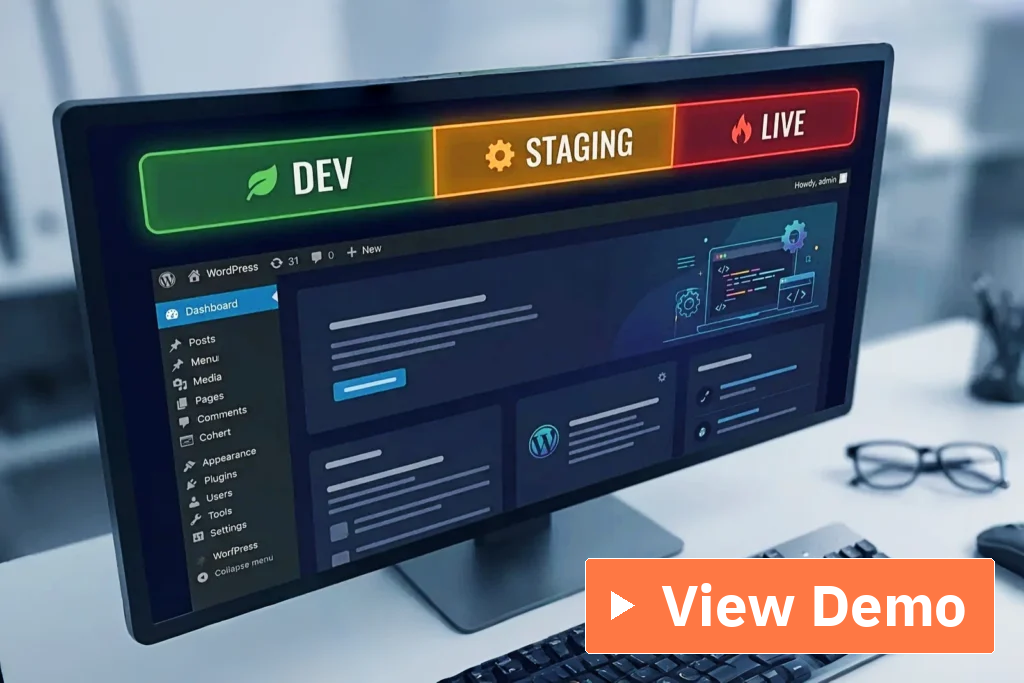
WordPress with staging
Clone your live site, test changes, then sync back. All in a few clicks. Security hardening and 1-click updates included.

AI-generated sites
Describe your idea and AI builds a real website in minutes. No code, no tech skills needed. Launch with one click.
Node.js native runtime
Run Node.js as a real, persistent process, not a proxy hack that restarts. Deploy Express, React, Next.js, full npm support.
Laravel native support
Persistent “queue:work” and scheduler managed via panel. Git push to deploy. Run Artisan & Composer without shell.

Ruby native runtime
Enable Ruby on Rails, or Sinatra on your domain. Gems install and actually work, no missing dependencies.

One-click app installs
Instantly setup WordPress and 380+ apps in a couple of clicks. Daily updates keep them current. Set it and forget it.
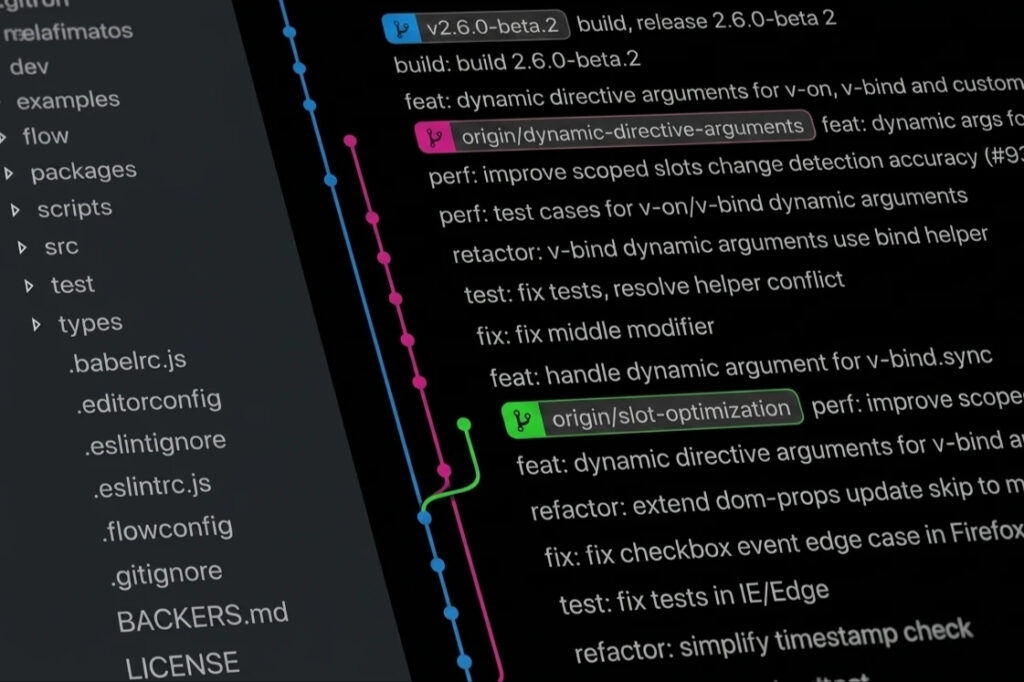
Git-based deploys
Push a commit, your site gets updated automatically. Works the same way with Node.js, Ruby, Laravel, or plain PHP.

White-glove migration
We move your sites, apps, and data from your host, test on a preview, then switch. No data loss, no downtime, no charge.
Get started
What’s the cost?
Plans and pricing
- Features
Personal
AI site creator, visual site builder with 170+ pro templates, 1-click installer, WordPress with staging
$9
.95/mo
($0.99 per account / month)
Business
Laravel with rock-solid queue workers, full UI control, no shell needed, instant Git deployments
$19
.95/mo
($0.99 per account / month)
MOST POPULAR
Developer
Node.js and Ruby that just run, full UI control, no shell needed, run PostgreSQL, WhatsApp support
$29
.95/mo
($2.99 per account / month)
Agency
Launch your own dev agency with isolated client accounts, separate logins, ready to hand off to clients
$99
.95/mo
($4.99 per account / month)
Plan includes (All parameters are per-account totals; NOT per-domain)
RESOURCES
Websites (primary domains) | 10 hosted domains | 20 hosted domains | 10 hosted domains | 20 client accounts |
|---|---|---|---|---|
Tech stack included | 



|


|


 |
 |
CPU cores (speed) CPU cores (speed)Maximum CPU power allocated to your hosting account. Higher values allow faster script execution and better performance under load. | 1 vCPU | 2 vCPU | 4 vCPU | 8 vCPU |
RAM guaranteed (PMEM) RAM guaranteed (PMEM)Maximum physical memory (RAM) your account can use. Affects applications like WordPress, databases and PHP processes. | 1 GB | 2 GB | 4 GB | 8 GB |
Subdomains SubdomainsA sub domain is an extension of your main domain, like blog.example.com or shop.example.com. | 100 | 200 | 100 | 200 |
Parked domains Parked domainsA parked domain is an extra domain name that points to a website you already have, like example.net or example.org pointing to example.com. Visitors see the same content no matter which domain they type, so it’s useful for owning common misspellings or regional variants (like .com and .net) without hosting a separate site. | 100 | 200 | 100 | 200 |
Mailboxes | 100 | 200 | 100 | 200 |
NVMe storage | 20 GB | 40 GB | 40 GB | 80 GB |
Bandwidth BandwidthUnmetered means you never have to watch a bandwidth counter. Build, launch, and grow your site without worrying about traffic limits. | Unmetered | Unmetered | Unmetered | Unmetered |
Managed Cloudflate CDN |
WEBSITE BUILDERS
AI-generated websites AI-generated websitesDescribe your business and watch a complete website appear in seconds. No blank page, no staring at a screen wondering where to start. | ||||
|---|---|---|---|---|
Visual website builder Visual website builderDrag, drop, done. Build your site block by block with a live preview, no code required. | ||||
1-click app installer 1-click app installerSkip the manual setup. Pick an app from a library of over 400 and it installs itself, fully configured and ready to use. | ||||
WordPress with staging WordPress with stagingTest changes on a safe copy of your site before anyone else sees them. Break things in staging, not on your live site. |
FRAMEWORKS & LANGUAGES
PHP 7.4 to Latest (you can select own versions) | ||||
|---|---|---|---|---|
Laravel 11/12/13 (with Composer, Artisan, queues) – View Demo | ||||
Node.js 18/20/22/23 (with Angular, Express, NestJS, Next.js, Nuxt, React, Sails.js, SvelteKit, Tailwind CSS, TypeScript, Vite, and Vue.js) – View Demo
| ||||
Ruby 3.2 – 3.4 (with Rack, Rails, and Sinatra) – View Demo | ||||
Launch your own full-stack software dev agency with isolated client accounts and separate logins for clients |
DATABASES
MySQL / MariaDB (for SQL-only applications) | 20 DBs | 60 DBs | 50 DBs | 100 DBs |
|---|---|---|---|---|
PostgreSQL (for Node.js, Ruby, and other modern apps) | 20 DBs | 40 DBs |
DEVELOPER TOOLCHAIN
SSH Terminal (shell) | ||||
|---|---|---|---|---|
Git deploy (from GitHub, GitLab, Bitbucket, or self-hosted Git instance) | ||||
Package managers (like Composer and npm) | ||||
WebSocket (for real-time applications) |
BACKUPS
Automatic backups | Weekly only | Daily + Weekly | Daily + Weekly | Daily + Weekly |
|---|---|---|---|---|
On-demand snapshots (useful before deployment) | 0 slot | 1 slot | 2 slots | 2 slots per sub-account |
Backup retention | 7 weekly copies | 7 daily + 7 weekly copies | 7 daily + 7 weekly copies | 7 daily + 7 weekly copies |
Advanced specifications
ADVANCED RESOURCES
Disk throughput (I/O) Disk throughput (I/O)Maximum disk read/write throughput. Higher IO improves file operations, backups and website loading during heavy activity. | 5 MB/s | 20 MB/s | 50 MB/s | 100 MB/s |
|---|---|---|---|---|
I/O operations per second (IOPS) I/O operations per second (IOPS)Maximum number of disk operations per second. Important for workloads with many small file accesses or database queries. | 1024 IOPS | 2048 IOPS | 4096 IOPS | 8192 IOPS |
Entry processes (EPs) Entry processes (EPs)Maximum number of simultaneous web requests your account can handle at the same time. Reaching the limit may temporarily queue or reject new visitors. | 10 EPs | 20 EPs | 40 EPs | 80 EPs |
PHP OPcache | 64 MB | 128 MB | 256 MB | 512 MB |
Number of processes (NPROC) Number of processes (NPROC)Maximum number of running processes allowed for your account, including PHP processes, cron jobs and background tasks. | 50 processes | 100 processes | 200 processes | 400 processes |
Inodes (file + folder count) | 500K files | 1M files | 2M files | 4M files |
Cron jobs | 20 jobs | 40 jobs | 50 jobs | 100 jobs |
What’s the cost?
- Features
* Prices shown above are special sale prices, which are subject to change.
Enterprise-grade infra. Real human support.

Launch your agency
Launch your own full-stack dev agency This feature is available in Agency plan only. Please scroll down to see the plan details in the pricing section. with isolated client accounts, separate logins, ready to hand off to your clients.full-stack dev agency
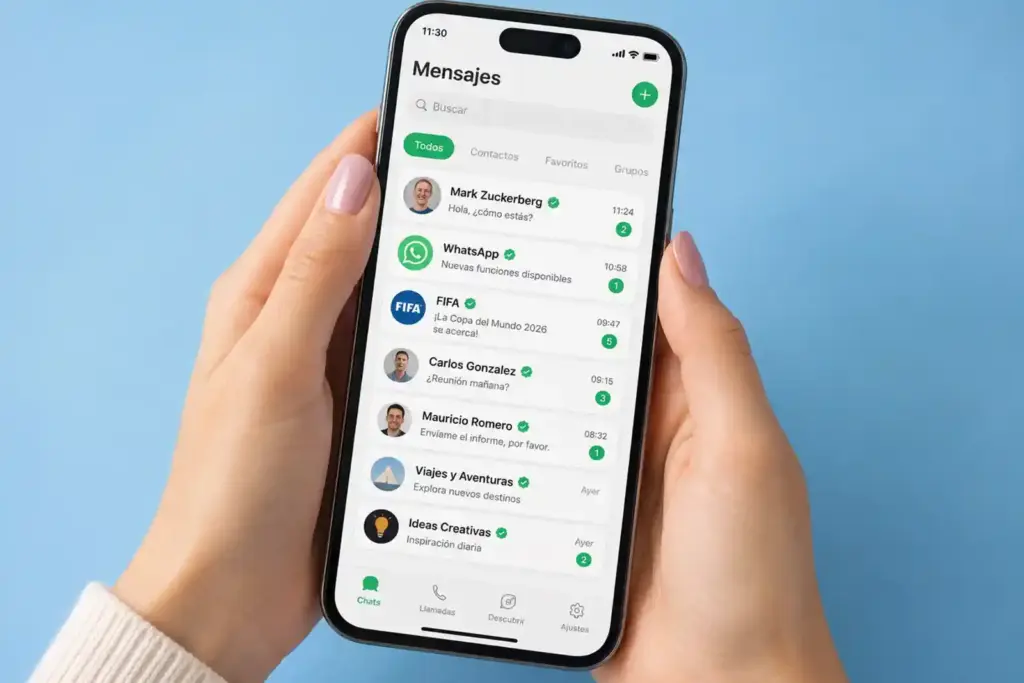
WhatsApp hotline
Get our direct WhatsApp tech support number the moment you order a server. Instant human answers, no waiting.

Real-time usage stats
Track your live CPU, disk, DB, traffic via our Radar system. See exactly which process is eating your resources.

24×7 live support
Something broken? WordPress, panel, custom software? We dive in with our hosting expertise and get it sorted 24×7.

Malware defence
Your sites are protected in real time. Threats get auto blocked. Anything that slips through is also auto cleaned.

Auto backups
Daily and weekly auto backups are stored across remote USA & EU datacenters. Restore anytime from your panel.

CDN + DDoS protection
Lightning fast website load times worldwide. Iron-clad DDoS protection. Better search rankings. All automatic.
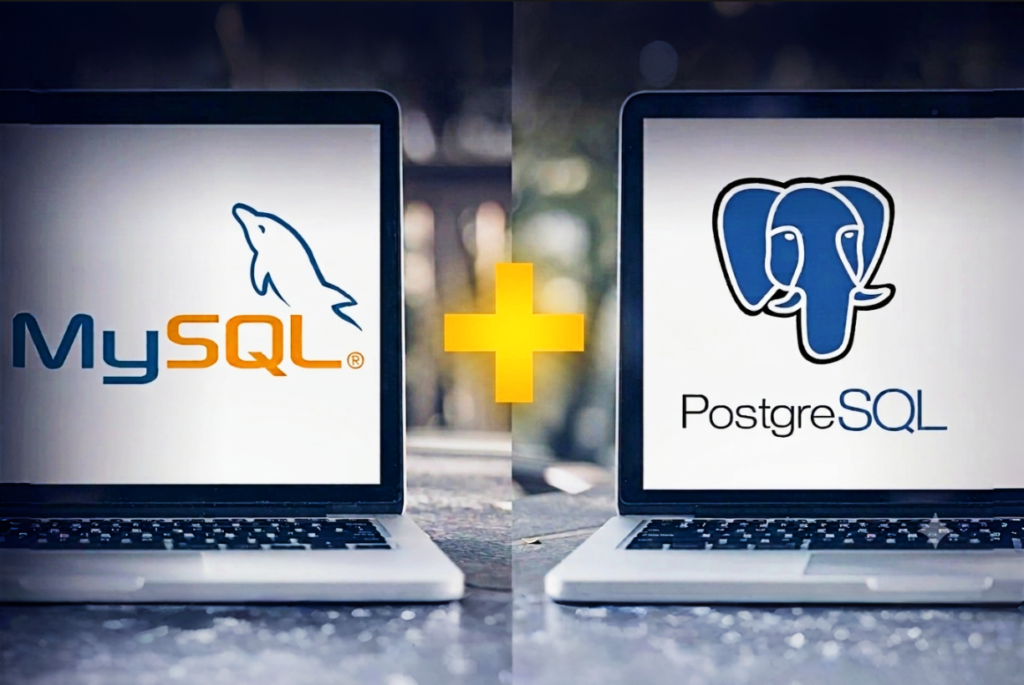
PostgreSQL + MySQL
Choose PostgreSQL or MySQL for your database. Most shared hosting locks you into MySQL only. Great for modern apps.

SSH terminal access
Full shell access from day one. Get full control over SFTP, WP-CLI, Node.js, Ruby, Laravel and PHP apps.
Features
Reviews

Built for demanding workloads
We switched to FireVM dedicated hosting two months ago and it’s been a solid upgrade. Database performance is much faster, traffic spikes are handled smoothly, and uptime has been perfect. Migration was quick and handled well by their team. Support is fast and knowledgeable. A great choice for improving performance.

M. K.
Verified client

Reliable performance under load
We moved a high traffic app to FireVM dedicated servers last month and the difference is clear. Pages load faster, background jobs finish quicker, and peak hours are no longer stressful. Setup was smooth and their team handled the details well. Support replies are quick and useful. Very dependable so far.

L. R.
Verified client

Smooth migration and strong uptime
Shifted from a shared setup to FireVM dedicated and it has been a good move. Migration was completed in a few hours with no issues. Server performance is consistent, even during heavy usage, and uptime has been solid. Their support team is responsive and understands what they are doing. Happy with the switch.

R. W.
Verified client
Frequently asked questions
Got questions?
Can I run PHP, Node.js, Ruby, and Laravel on the same hosting account?
Yes. Each stack runs on its own domain or subdomain, so you could have a WordPress site on one domain, a Node.js app on a subdomain, and a Laravel project on another domain, all under the same account. A single domain or subdomain can only run one stack at a time.
Can I run multiple different stacks on the same account, for example: WordPress, a Node.js API, and a PHP backend?
Yes. This is the main point of this product. Each domain or subdomain gets its own isolated runtime configuration.
example.com runs WordPress on PHP 8.3, api.example.com runs your Express API on Node.js 22, and app.example.com runs a Ruby on Rails app on Ruby 3.4. All three share the account’s RAM, CPU, and IOPS budget, so plan your sizing accordingly. The Developer plan handles this configuration comfortably.
Does Next.js SSR actually work, or are you just serving pre-built static files?
SSR works because your Next.js app runs as a live, persistent Node.js process. Server-side rendering, API routes, dynamic pages, and middleware all function correctly. This is not static export hosting. Nuxt and SvelteKit SSR work the same way. The “Number of processes (NPROC)” row in the pricing table controls how many concurrent processes your app can run.
Does Ruby on Rails work properly, including Active Record, Action Mailer, and background jobs?
Rails runs as a proper Rack application, not a CGI workaround. Active Record connects to MySQL, MariaDB, or PostgreSQL. Action Mailer works through SMTP configuration. Background job adapters compatible with the Rack interface work within your background process limit. Redis-backed queue adapters are available on all plans using a private Redis instance.
To run Redis, you will need a separate additional VPS account. You may start with our lowest plan. We will pre-install Redis on your private VPS without any extra charge. Simply contact us to order a private Redis server.
Can I run PostgreSQL and MySQL on the same account?
Yes. You can create both if your project needs it.
Node.js: Can I use WebSockets, or does the connection get cut off?
Yes, WebSockets work. Node.js runs as a real process here, not through a request-based proxy. That means long-held connections stay open.
Do you support HTTP/2 and HTTP/3 (QUIC)?
HTTP/2 is enabled by default. HTTP/3 is supported but still experimental in Nginx, so it requires manual enablement per domain. It is available for domains using Nginx or Nginx with Apache, and can be enabled or disabled on a per-site basis. Also note that HTTP/3 uses UDP, so UDP port 443 must be open in the firewall. On shared hosting, this is handled on our end, not yours.
Git: Does my site auto-update when I push code, or do I have to trigger it?
It auto-updates. Add a webhook URL to your GitHub, GitLab, or Bitbucket repo settings. Every push to your chosen branch then triggers an automatic pull and deploy. No manual step needed.
Does gem install work for gems with native extensions?
Yes. Our panel includes the development libraries needed for compilation. Bundler can install gems with native extensions, including Rails apps, without the header file errors common on plain shared hosting.
Do I need SSH to set up Laravel queue workers?
No. Our Laravel Toolkit handles this entirely through the panel. You can enable and configure queue workers and the scheduler without touching SSH.
How does WordPress staging actually work?
Clone your live site into a staging copy with one click. Test new plugins, try a redesign, or make changes safely. Nothing touches your live site until you’re ready.
When you sync back, you choose files, database, or both. Syncing the database brings your pages, posts, and content along with it. Syncing files brings your theme and plugin changes.
Am I notified when malware is found and cleaned?
Yes, but it depends on your account setup. Notifications go to whatever contact email is configured.
Can I restore backups myself without opening a ticket?
Yes. Our auto backups write to 2 geographically separate remote destinations. You access the restore interface directly in your control panel, select a date, select a database or file set, and click restore. No ticket and no waiting. On-demand snapshot lets you create a checkpoint before any risky change and restore in the same way.
Is WhatsApp support available on every plan?
No. It’s exclusive to our top tier. Other plans reach us through tickets.
The Agency plan mentions reseller hosting. What does that mean exactly?
On the Agency plan, you can create hosting accounts for your clients with white-label nameservers so the hosting appears under your brand. Each client account gets the same full developer stack: multi-version PHP, Node.js, Ruby, PostgreSQL, Git deploy, and SSH access. You set the resource limits for each client account.
The practical advantage is that your clients can run real applications, not just WordPress sites on a generic shared host.
What happens if I prepay but cancel early?
You will receive a prorated refund for any unused months. If you prepaid for 3 months but cancel after 1, we will automatically refund the remaining 2 months. Take advantage of our prepayment discounts without any risk. You are never locked into a commitment you do not want.
Services

Copyright © 2024-2026 by FireVM